


Shooting a music video once meant hiring a crew, renting gear, and watching $2,000–$5,000 vanish before you pressed “record,” according to cost estimator Fash.
For indie artists, that price tag can halt creativity on the spot.
Now, AI tools storyboard, cut, and color-grade in the time it used to take to scout a location. Platforms such as Neural Frames hear your track, sync every flash to the beat, and export crisp 4K—no film school required.
Over the past 12 months, we road-tested 15 new or overhauled generators, grading each on quality, sync accuracy, speed, features, and support. Only four made our 2026 shortlist.
Why You Can Trust This Review And How We Kicked The Tires
We didn’t skim press releases or recycle someone else’s list. We opened accounts, uploaded stems, hit render, and counted every dropped frame.
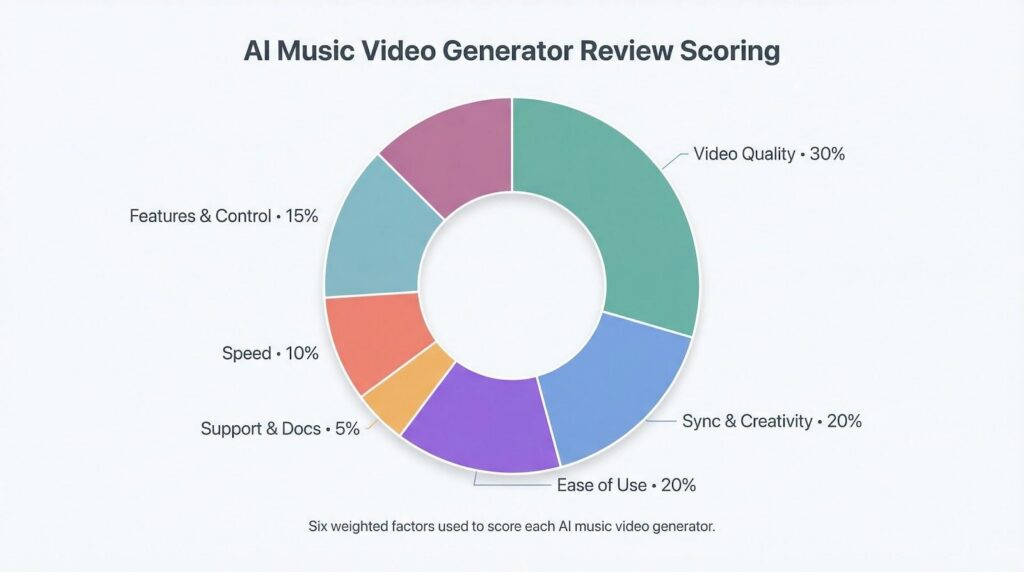
First, we built a repeatable scoring framework. Six weighted factors guided every decision: video quality (30 percent), synchronization and creativity (20 percent), ease of use (20 percent), features and control (15 percent), speed (10 percent), and support or documentation (5 percent). Those weights mirror the methodology used by the Cybernews research team, giving us an industry-tested benchmark.
To keep the field level, we fed each tool the same three-minute indie-pop track with clear verses, a heavy chorus, and a quiet bridge. Using that one song, let us see how each generator handled tempo shifts, mood swings, and dynamic range.
We timed renders with a stopwatch. We sent dummy support tickets to check response time. We noted resolution caps, watermark rules, and pricing fine print—the questions artists search for before they buy.
We then compared outputs side by side on a calibrated 4K monitor and blind-ranked them for punch, clarity, and vibe. No one paid for placement; every winner earned its spot on results alone.
What To Check Before You Hit Render
Every AI platform shows a glossy demo, but only you can decide whether those sparks suit your workflow and budget.
Start by matching the tool to the gear you own. If you sketch ideas on a phone, a browser app feels liberating. A desktop suite, on the other hand, rewards bigger screens and GPUs.
Next, weigh the cost of experimentation. Free previews are helpful, yet watermarks and shrinking credit balances can derail a full-length song.
Finally, picture the finish line. Looping a Canvas on Spotify or driving a 4K video wall on tour demands high resolution, not flashy gimmicks.
When those points are clear, use this quick scorecard:
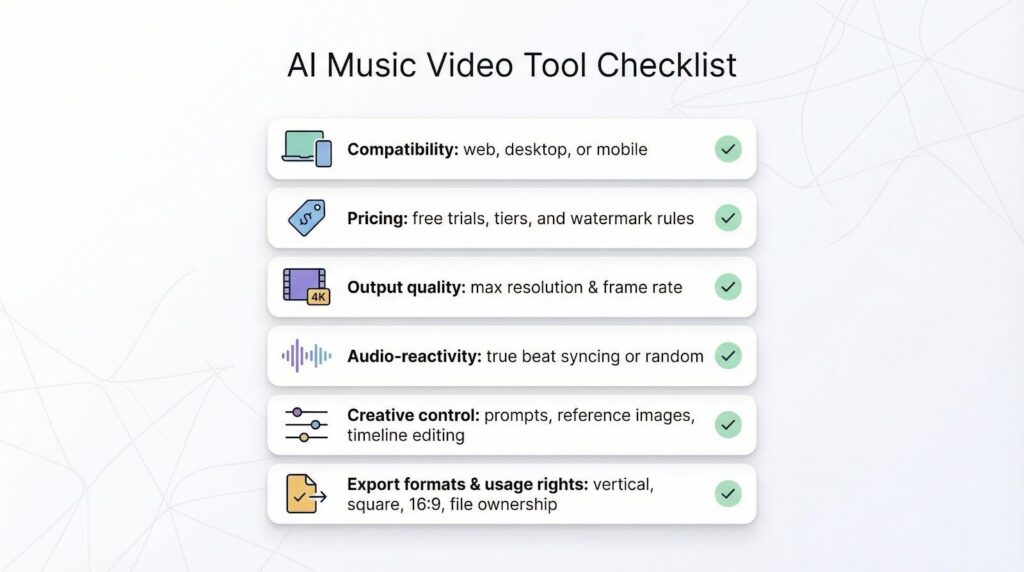
- Compatibility: web, desktop, or mobile
- Pricing: free trials, subscription tiers, and watermark rules
- Output quality: maximum resolution and frame rate
- Audio-reactivity: true beat syncing or random visuals
- Creative control: text prompts, reference images, or full timeline editing
- Export formats and usage rights: vertical, square, 16:9, and ownership of the file
Check those boxes, and your shortlist will form itself.
The Top AI Music-Video Generators For 2026
We tested fifteen platforms, but only four felt stage-ready. Each one fixes a different creative hurdle, so we break them down one by one, starting with the engine that locks visuals to your kick drum with near-perfect pitch.
- Neural Frames: Best Scale And Precise Beat Sync
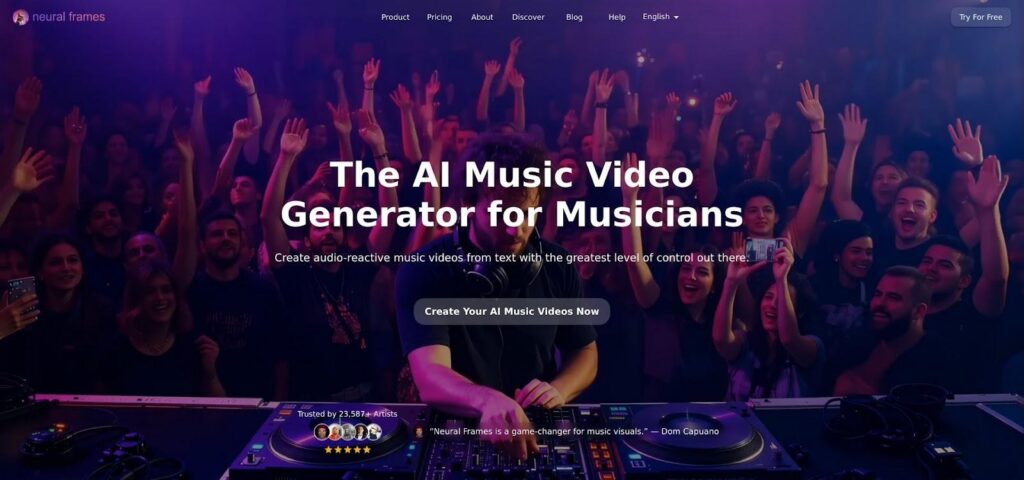
Neural Frames AI music video generator interface screenshot
Neural Frames feels less like a plug-in and more like a visual DAW. Trusted by over 23,000 artists, the platform’s AI music video generator promises to turn raw audio into fully synced visuals. Drop in your WAV and the engine listens for tempo, mood, even lyric cues, then proposes scene blocks that rise and fall with the song.
The headline benefit is scale. Neural Frames’ help center (Neuralframes.com) caps a single project at 10 minutes—about 15,000 frames—while its Autopilot workflow routinely ships a finished 4K cut in roughly 10–15 minutes.
Those concrete limits give you real numbers to plan around instead of guessing how long a big export might stall your release schedule.
You can render projects up to ten minutes and push them to 4K without leaving your browser, a ceiling most rivals still chase.
Creative control sits front and center. Want a vaporwave chorus after a gritty verse? Switch models mid-timeline. Need lyrics on screen? Toggle auto-subtitles and watch text animate on the downbeat.
Pros often ignore stock auto buttons, yet Neural Frames’ draft mode rewrites that equation. It produces a low-res pass in minutes so you can tweak prompts, colours, or camera moves before spending credits on the 4K master.
Quick scorecard:
- Precise sync accuracy, ideal for EDM drops or jazz tempo shifts
- Full-length songs in one file, no post-stitching
- Browser-based, nothing to install
Drawbacks:
The power comes with longer queues, especially on Friday release days. The ocean of settings can feel like piloting a spaceship on first launch.
If you need one tool that scales from a TikTok loop to a festival screen, Neural Frames leads the field. See https://www.neuralframes.com/ai-music-video-generator for details on beat-level sync, Autopilot workflow, and 4K exports.
- Kaiber: Best For Artistic Style And Name-Brand Credibility
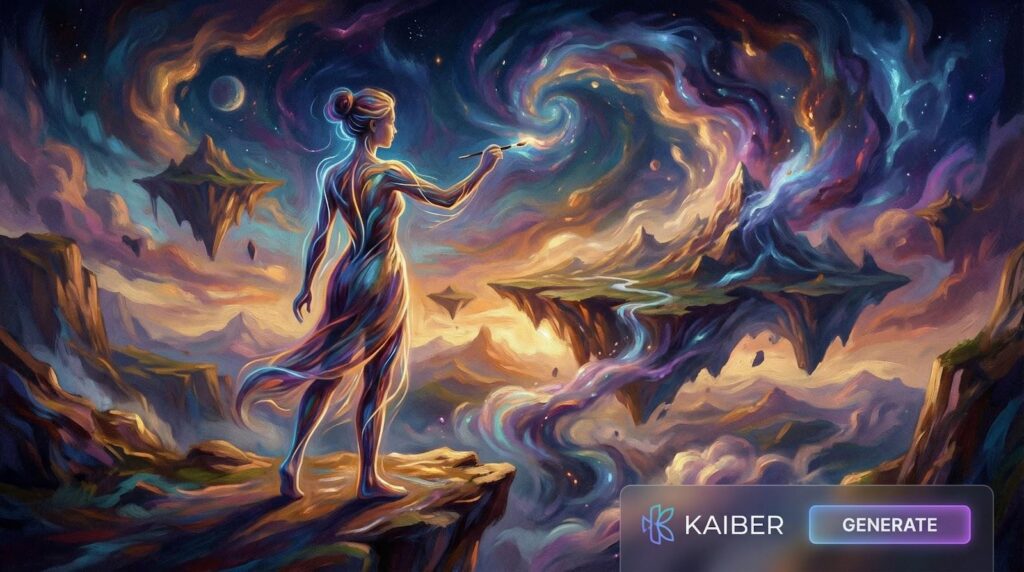
Kaiber AI Superstudio storyboard canvas interface screenshot
If Neural Frames is the visual DAW, Kaiber is the art-house director who never repeats a costume. Its infinite canvas lets you stitch scenes like storyboards, swap AI models on the fly, and dial in looks that range from anime neon to photoreal noir.
Proof arrived on big stages first. Linkin Park, Kid Cudi, and several major labels tapped Kaiber for official promos, and the footage holds up in 4K. That track record shows the engine is more than a novelty filter.
Creation starts with a prompt, an image, or even a raw performance clip. Type “cyberpunk sax solo in rain,” choose the Flux or Stable Diffusion model, and watch the canvas flood with glowing city lights that pulse to your snare hits. Need a hand-drawn bridge? Insert a new block, pick Luma, and shift gears without leaving the timeline.
Kaiber feels generous until you check the meter. A five-day trial costs five dollars, but full-length 1080p videos chew through credits fast, and 4K exports can match a studio day rate if you iterate heavily.
For artists chasing a distinct signature look—or anyone who wants to flash a used-by-the-pros badge—Kaiber earns its place just below our top pick.
- Runway ML: Best For Cinematic Realism In Short Clips
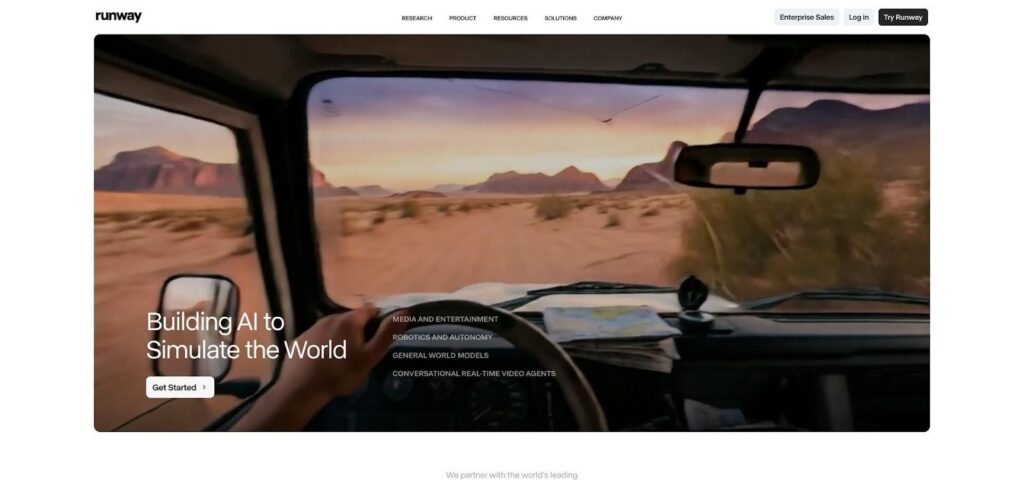
Runway ML Gen-3 cinematic AI video editor interface screenshot
Runway has spent years chasing one goal: make AI video look like it rolled off a movie set. Gen-3 finally hits that brief. Frames glow with natural light, shadows land where physics expects, and camera moves feel handheld, not robotic.
The trade-off is length. Runway sparks in five- to fifteen-second bursts, so full songs still need an editor’s touch. Think of it as a high-end B-roll factory. Generate a surreal alley shot, a blooming macro, or a slow-motion crowd scene, then drop those moments exactly where your track needs lift.
What it misses in auto-sync, it returns in polish. A built-in timeline, Motion Brush, and frame-level masking turn raw generations into finished assets without leaving the browser. If you already cut videos in Premiere or Resolve, the workflow feels familiar; simply swap keyframes for clever prompts.
Pricing starts friendly but scales with ambition. Free credits cover a handful of clips; an album rollout will push you to a higher tier quickly. When you need a shot that looks like you rented an Arri, Runway is the fastest path to Hollywood on a laptop budget.
- Luma AI: Best For 3d Depth And Surreal Vfx
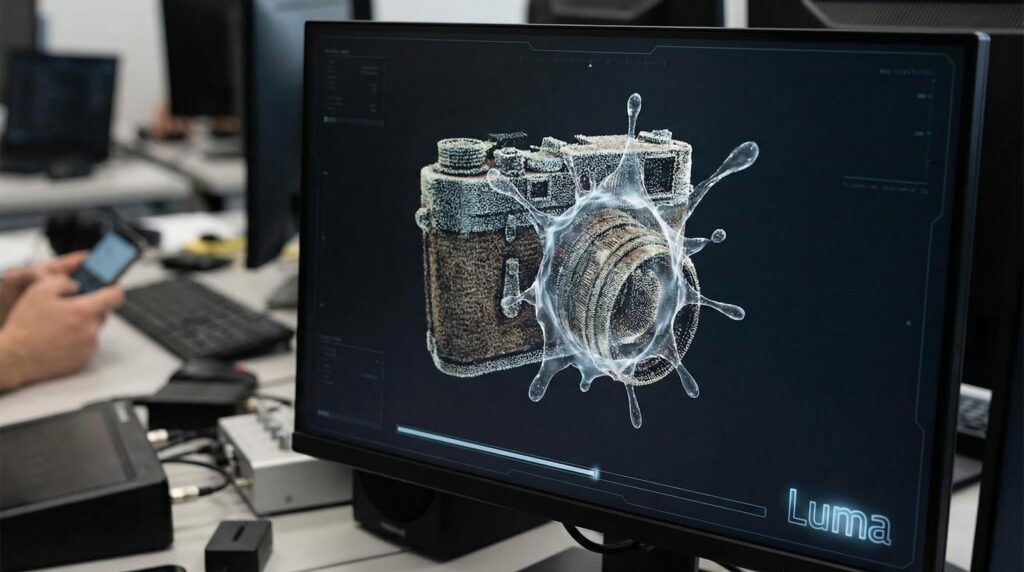
Luma AI Dream Machine surreal 3D VFX interface screenshot
Picture a dream sequence where the camera drifts through floating vinyl planets, then snaps back to a close-up of your mic stand, rendered on a phone during soundcheck. That is Luma’s party trick.
The Dream Machine model treats prompts like storyboards, preserving start and end frames so loops land on beat and visuals lock to your chorus hook. Keyframes let you steer the camera through impossible moves, while Ray-series upgrades keep characters together across shots. No melting faces, no wandering eyes, only consistent, stylized motion.
Creators value the hybrid workflow. Shoot a quick clip backstage, feed it into Luma, and watch the app drape a cel-shaded skin or push the scene to neon HDR. The transformation looks like a full CGI pass, yet it runs in the cloud and returns a polished MP4 to your phone.
Credit bundles are generous for casual use, though long 4K exports still cost more than a coffee run. Because Luma skips auto beat-sync, you will drag clips around in your editor to nail timing.
When your track needs visuals that bend physics without breaking coherence, Luma hands you the keys to a pocket-sized VFX studio.
More Tools Worth A Test Drive
Four winners cover most scenarios, yet the AI video shelf is crowded with niche specialists and rising stars. We tested a dozen runners-up, and several deserve a quick shout-out for specific use cases.
BeatViz churns out auto-synced visuals in one click, perfect when you need a lyric teaser before lunch. Rotor grabs royalty-free stock footage, cuts it to your track, and spits out an eight-second Spotify Canvas while you answer emails. Vizzy and Renderforest focus on classic waveform animations; picture polished podcast uploads or dance-floor equalizers when arthouse flair is too much.
Power users may gravitate to LTX Studio for multi-scene storytelling or Pollo AI for its multi-model toolkit of editors and generators. If you only want short, psychedelic loops to splash across social, Pika Labs hits the sweet spot.
Each of these tools trades depth for speed, cost, or a precise feature. Scan their pricing pages, watch a demo, and you will know in minutes whether they fill a gap in your creative stack.
Conclusion
Each of these tools trades depth for speed, cost, or a precise feature. Scan their pricing pages, watch a demo, and you will know in minutes whether they fill a gap in your creative stack.