

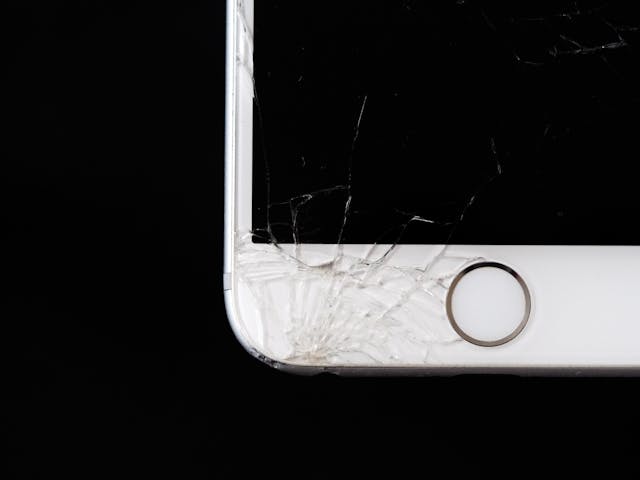

Smartphones have become essential tools for communication, work, navigation, and entertainment. When a phone suddenly stops working, it can disrupt daily routines and create unnecessary stress. Whether the issue is a cracked screen, a dead battery, or a software malfunction, knowing what steps to take can save time and prevent further damage. Understanding when to troubleshoot at home and when to seek professional repair services ensures your device is restored safely and efficiently.
Common Reasons Phones Stop Working
Phones can stop working for several reasons, many of which occur unexpectedly. Physical damage from drops is one of the most common causes, often resulting in cracked screens or internal component issues. Battery problems, such as rapid draining or failure to charge, can also render a phone unusable. Software glitches, system crashes, or failed updates may cause freezing or black screens. Water or moisture exposure, even in small amounts, can lead to corrosion and long-term damage if not addressed promptly.
Immediate Steps to Take When Your Phone Breaks Down
When a phone stops working, taking immediate and appropriate action is important. Start by restarting the device, as this can resolve temporary software issues. Check charging cables, adapters, and power sources to rule out simple power problems. If the phone powers on intermittently, back up important data as soon as possible. Avoid using unofficial repair tools or forcing the device to turn on, as this may cause additional damage.
When DIY Fixes Are Not Enough
While basic troubleshooting can resolve minor issues, many problems require professional expertise. Online tutorials and do-it-yourself repairs often lack precision and can worsen the issue, especially with modern smartphones that contain delicate components. Attempting to open the device without proper tools can void warranties and compromise internal parts. Signs that professional repair is needed include persistent charging issues, unresponsive touchscreens, overheating, or visible internal damage.
How to Choose a Trusted Phone Repair Service
Selecting a reliable repair service is critical to protecting your device and investment. Look for providers with experienced technicians who specialize in smartphone repairs. Reviews and testimonials offer insight into service quality and customer satisfaction. Transparent pricing, clear explanations of the repair process, and warranty coverage indicate professionalism. Turnaround time is also important, as many users rely on their phones for essential tasks and need prompt service.
Why Cell Mechanics Is a Reliable Repair Option
Cell Mechanics – Smartphone Body & Glass is a trusted option for professional phone repair services. Their team specializes in diagnosing and repairing a wide range of smartphone issues, including screen damage, battery replacement, charging port problems, and water damage. With a focus on quality parts and precise repair techniques, Cell Mechanics ensures devices are restored to optimal condition. Professional diagnostics allow technicians to identify underlying issues and prevent recurring problems, giving customers confidence in the durability of their repairs.
What to Expect During a Professional Phone Repair
When you bring your phone to a professional repair service, the process typically begins with a thorough inspection. Technicians assess both visible and internal damage to determine the root cause of the issue. After diagnosis, customers receive an explanation of the repair, estimated costs, and expected timelines. Once repairs are completed, devices are tested to ensure functionality. Many services also provide warranty coverage, offering added peace of mind after the repair is complete.
Preventing Future Phone Issues
Preventive measures can help extend the lifespan of your smartphone. Using protective cases and screen protectors reduces the risk of damage from drops. Proper charging habits, such as avoiding overcharging and extreme temperatures, support battery health. Regular software updates improve performance and security. By maintaining your device and addressing minor issues early, you can reduce the likelihood of major repairs in the future.

The New Jersey Digest is a new jersey magazine that has chronicled daily life in the Garden State for over 10 years.